Hello, this is Dear Monday.🍀
Thank you for continuing to use Dear Monday despite being busy wrapping up the year.
To make things more convenient for our corporate clients who operate Dear Monday’s workation service,
Based on feedback from the people in charge, our website has been updated ! 🎉🎈😊
Here’s a summary of what’s changed and how it will make your work easier.
[What’s been updated]
1️⃣ Dear Monday Exclusive to our corporate clients page launched!
2️⃣ SimplifiedWithin the corporate-only section that was created Credit management Menu
3️⃣ Create a company-wide popup announcement feature in the corporate-only section!
4️⃣ Usage periodwith no restrictions on credits!
────────────────────────────────────────────────────────────
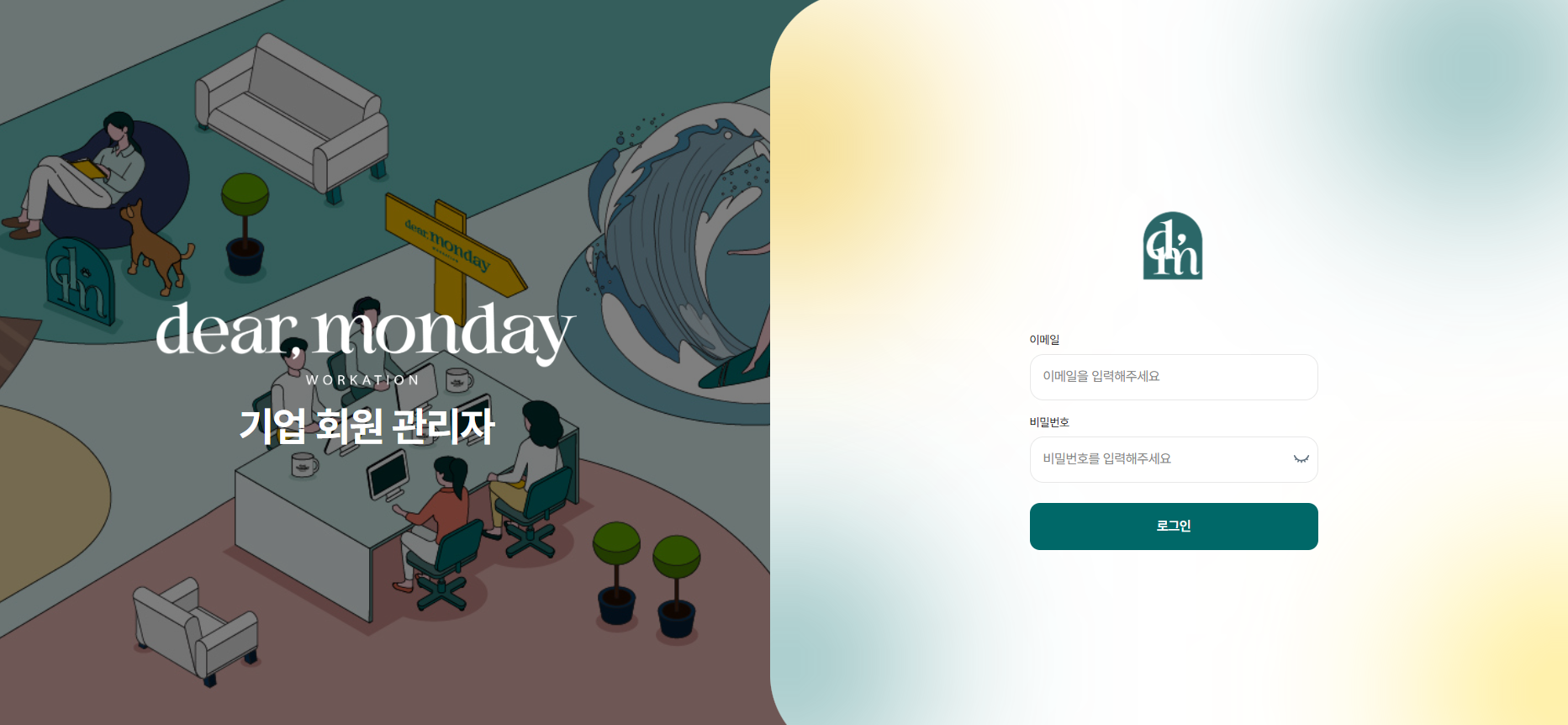
🏢 1. Dear Monday A dedicated page just for our corporate clientshas been created 👏🏻
The login pages for corporate clients and regular customers are now different. (See the login link at the bottom.)

🤔Why was it separated from the old page?
- This is to help corporate clients quickly find answers to their most pressing questions and resources that can help with operations :)
🌐 What you can find on the corporate page
** Case studies on how other companies operate and interviews with their coordinators: Find out on our blog how other companies run their workcation programs. These examples can be useful when refining your own program.
** News about new location openings and Dear Monday programs : Be the first to hear when a new workcation center opens or Dear Monday launches a new program.
**Updates to features for corporate clients: You can find updates to Dear Monday site features, made in response to feedback from corporate clients, directly in this menu.
────────────────────────────────────────────────────────────
💳 2. Detailed credit usage settingsis now possible Credit usage settings
- You can set specific conditions for using credits to suit the way your company operates 😇

🪙Option settings in detail
** Credit validity period: You can set the date through which credits can be used.
** Days credits can be used: You can choose which days of the week reservations can be made using credits, such as Monday–Friday (weekdays) or weekends.
** Company contribution rate: You can set the maximum percentage of the payment amount for products used by employees and executives that the company will cover.
** Stay length limit: You can preset the minimum and maximum number of nights.
────────────────────────────────────────────────────────────
📢 3. Company-wide announcementsas pop-upYou can post it as a popup.
If you use the corporate portal, you can now post company-wide announcements as popups.
When employees and executives log in, the announcement appears right away, so there’s no need to send a separate company-wide announcement email 🙌

────────────────────────────────────────────────────────────
📎 4. Usage periodwith no restrictions on credits! 🪙
The question corporate customers asked most often was, “What happens if I can’t use all my credits before they expire?”
Previously, credits could be used for one year from the date they were issued!
If you still had credits left when they expired, we would extend their validity period, or, in some cases, issue a refund.
But
now, there is no longer a time limit on using your credits!!
After topping up, you can use your remaining credits whenever it suits your company’s operations, until they’re all used up :)
────────────────────────────────────────────────────────────
Dear Monday is always thinking about how to make things easier for corporate customers and regularly updates its services 🌱
If you experience any issues while using it, or think, “It would be great if it had this feature,” please feel free to let us know anytime.
────────────────────────────────────────────────────────────
👉🏻Go to the updated website👈🏻
[Company Administrator Login Page URL]
https://org.dearmonday.io/auth/jwt/login
🔖 Important : Company administrator accounts are management accounts for master tasks, such as checking employees’ and executives’ reservation details, issuing credits, and managing top-ups,
and cannot be used to make separate product reservations.
────────────────────────────────────────────────────────────
❓What if the owner of the master account wants to make a product reservation?
**See the detailed steps**
1. https://dearmonday.io/auth/login (일반회원로그인 On the screen), proceed with sign-up
2. My Page → Manage Membership Information → Apply to Switch to a Corporate Member [Individual–>To switch to the corporate employee type.]
3. Request approval from your company’s contact person, or, if you are the master account owner, do it yourself https://org.dearmonday.io/auth/jwt/login Log in -> Manage company employees and executives -> Approve employee request
As before, issue credits to the employee’s email address, then make the reservation using the employee’s ID.
If you encounter any difficulties while using our service, please feel free to contact us anytime.
We’ll be happy to help right away.
Thank you for choosing us, as always.
Dear Monday
Sincerely, Sujin Kim.